Tiny Desk AI Video: Lead the Band From One Photo
Front a band without finding one. Your photo is enough. You take the opening turn, then the camera holds on you as you laugh and sing along, while a session band in headphones plays keys, backup and sax around you. Want friends in? Up to four can take a seat. Nineteen seconds, vertical, timed to the trend sound.
- 19 s
- vertical 9:16
- one to five photos
- 20 credits
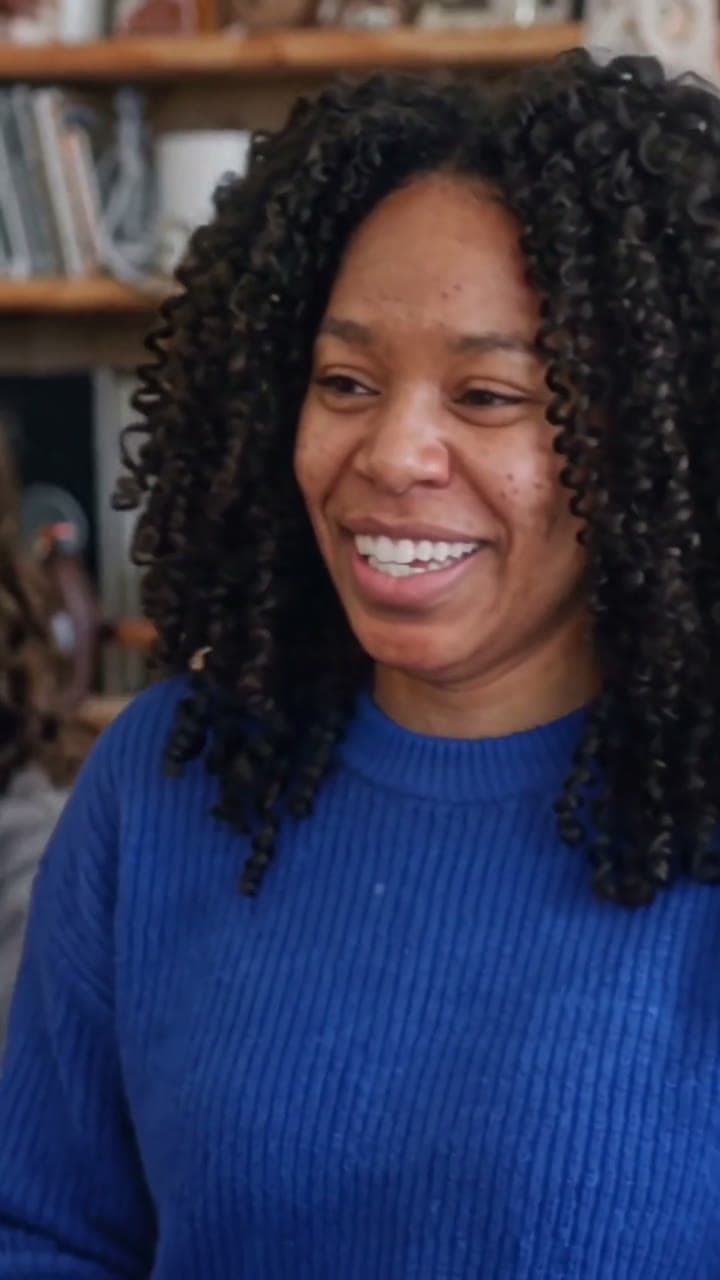
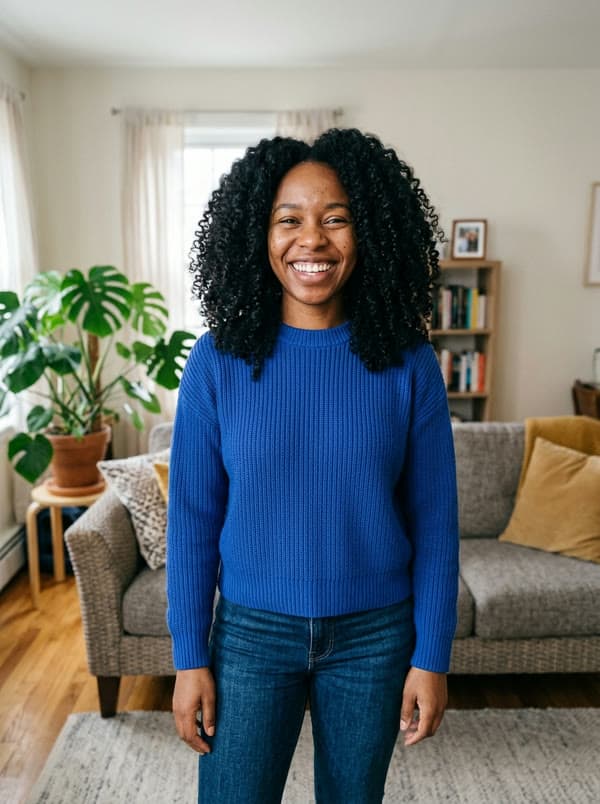
Real outputLiving-room photo → the desk set
Tiny Desk · 19 s
Optional — empty seats are played by the session band.
- A photo of just you, face clear; one person per photo for any extra seat
- Any everyday phone photo facing the camera works
- Caps and glasses in the photo stay on in the video
By uploading, you confirm you're the people in the photos or have their permission to use them.
We're opening in small batches. Save your photos now — we email you when it opens.
- ✓ One-time payment
- ✓ 9:16 HD MP4 · no watermark
- ✓ Failed videos return the credit
- ✓ Photos deleted after 30 days
What happens in 19 s
The moves people know, in order and on the beat. Only the star changes.
01 · 0:00
The turn
You, up close, turning to the camera with a grin.
02 · 0:01
The band
Wide on the desk: the keys player sings and claps, two backup singers groove behind.
03 · 0:07
Your moment
Back to you: head thrown back laughing, then singing out to the side.
04 · 0:13
Sax break
The sax player leans into a gold-horn solo.
05 · 0:16
Fists up
The whole band belts the last line, fists in the air.
Real results
One to five photos in, the 19 s video out. Straight from the studio, no edits after.

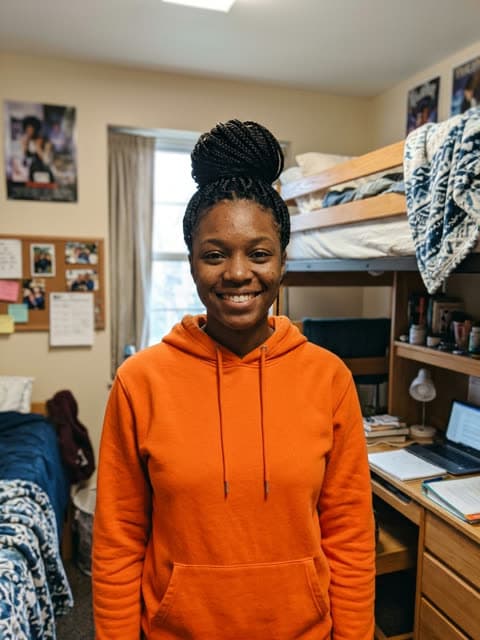


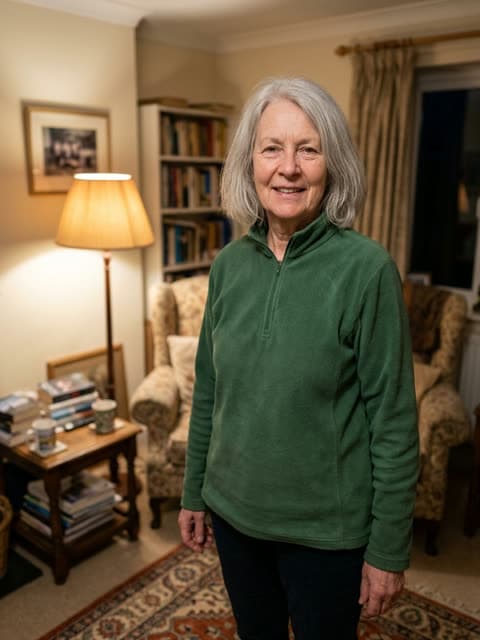
Sample input photos are AI-generated stand-ins, not customer photos. The videos are unedited output.
Who should you cast?
Just you
No chasing friends for photos. You and the house band.
Cast them →Your whole crew
You lead; four friends take keys, both backup mics and the sax.
Cast them →The birthday person
Make them the frontman, with their OK, and post it on the day.
Cast them →Mom or dad
The proudest laugh at the desk, from one holiday photo.
Cast them →
The trend · Oct 2026 · TikTok
The desk concert trend, minus the group chat
Since mid-October 2026, TikTok has been full of AI desk concerts: a cramped office music corner with records and tapes on the shelves, a red keyboard on the desk and a small band in headphones belting "Outstanding". One singer gets a big laughing close-up, the sax takes a solo, and everyone finishes with fists in the air.
Here you don't need anyone else's photo. Upload yours and you get the opening turn and the close-up; a fixed session band, the same fictional musicians every time, covers keys, backup and the sax break. Friends can replace any of those musicians with their own photo, and empty seats stay with the band. The video is 19 seconds and vertical. Make Viral Video isn't affiliated with NPR or its Tiny Desk series.
How to make it
Add the trend sound
- 1
Add one to five photos
Upload a clear photo of the lead above: they get the close-ups. Bring friends for the keys, the mics or the sax. Any seat you skip stays with the session band. A photo of just you, face clear; one person per photo for any extra seat. No account needed.
- 2
Pay once
Pick a pack and check out. Usually ready in about 10–20 minutes, always within the hour; we email you the link.
- 3
Download
Save the 19 s · vertical 9:16 · silent MP4.
- 4
Add the sound and post
Tap Add sound and use the original sound linked on your result page. Keep it starting at 0:00; the cuts, the laugh and the sax break follow it.
Credits that work on every effect
Buy once, no subscription. Most videos take 10 credits (Hotel Lobby and Tiny Desk: 20). Credits stay valid for 2 years, and if a video fails its credits come straight back.
- One-time payment · No subscription
- Credits work on every effect · credits stay valid for 2 years
- Failed generations automatically return your credits
- No watermark
Tiny Desk AI: questions
Can I make a Tiny Desk AI video by myself?
Yes. Upload one photo of you; the rest of the band is already there, so you don't need anyone else's photo or permission.
Where am I in the video?
You open with a turn toward the camera, and from about 0:07 to 0:13 the camera stays on you as you laugh and sing along. The wide desk shots and the sax solo belong to the band.
Who plays in the band?
Unless you add friends, a fictional session band: keys, two backup singers and a saxophonist. They're the same in every video and aren't based on anyone's photo.
Can friends join the band?
Yes, up to four, once they've agreed to their photo being used. Each takes a seat: keys, either backup mic or the sax. It's one video and the same price whether you fill no seats or all four.
Can I spend my credits on other effects?
Yes. Credits work on every effect in the library, so a bigger pack covers this one and the next trend you want. They stay valid for 2 years from your latest purchase.
Which photos work best?
A clear photo of one person looking at the camera, in even light. Waist-up or full-length shots carry the outfit through; a selfie is fine. Skip group shots, sunglasses, masks and beauty filters.
How long does a video take?
Usually ready in about 10–20 minutes, always within the hour. You don't have to wait on the page: we email the link as soon as it's done.
Is it free? What does it cost?
There's no free tier. Most videos take 10 credits (Hotel Lobby and Tiny Desk take 20): one video is $9.99, 30 credits are $19.99 and 100 are $49.99. You pay once — no subscription. Credits work on every effect, last 2 years from your latest purchase, and a video that fails gives its credits back automatically.
Does the video come with the song?
No. You get a silent HD MP4 with no watermark, so you can add the trend sound inside TikTok or Reels and nothing gets muted for copyright. Each effect page tells you which sound to search for and where its beat lands.
What if my video doesn't look right?
Press "Needs work" on the result page and say what's wrong. A person on our team reads it and answers by email. If a video can't be made at all, its credits are returned without you asking.
Can I make a video of someone else?
Yes, with their OK. Surprising a friend is half the fun, but never use a stranger's or a celebrity's photo, and never pass the video off as real footage.
Do I need to dance or film anything?
No. You never film, learn a move or edit. Upload one clear photo of each person and you get the whole trend back with them in it, move for move.
How is this different from a CapCut template?
A template still needs footage of the people doing the trend; you film the clips and drop them in. Here you only upload a photo, and the finished video comes back with them performing it. Templates are free; a video here is $9.99 one-time.
Is it safe? What happens to my photo?
Your photo is used for one thing: making your video. It is never used to identify anyone, never sold and never used to train models. Uploads and finished videos are deleted automatically after 30 days, or sooner if you email support. Payment runs through a secure checkout, so your card never touches our servers. One video needs no account; credits you keep for later live in a password-free account (an emailed code or Google).
Can I use a photo of a child?
No. Photos of anyone under 18 are not allowed. Use a photo of yourself or of an adult who agreed to it.
Can I post it on TikTok, Instagram Reels or YouTube Shorts?
Yes. The video is yours to post on personal and social accounts, as long as you have the rights to the photo and the person in it agreed. Mark it as AI-generated and don't present it as real. Brand and business accounts should use licensed audio, such as TikTok's Commercial Music Library.
Try another effect
All effects →- New8 s10 credits
Basketball Middle Finger
Drive the lane, flip off the court mid-air, sink it and walk away.
Use effect → - 9 s10 credits
Bby Wow Guy
Side-step through the quince, bite the pan dulce, stare into the camera, dance off.
Use effect → - NewDuo15 s10 credits
Coffee Fail
Two of you behind a kitchen counter, getting coffee everywhere except the mug.
Use effect → - NewDuo15 s10 credits
Oh You Can Make It Cap
Two of you in a white studio: the wave-off, the turn with the red bag, the giggles.
Use effect →