Fergie Baby AI Video Maker
Walk out rapping. Through the chain-link gate, down the leafy park path, bouncing toward a camera that keeps backing up, with every bar of the trend sound in your mouth. Twenty-one seconds with your face, hair and outfit.
- 21 s
- vertical 9:16
- one photo
- 10 credits
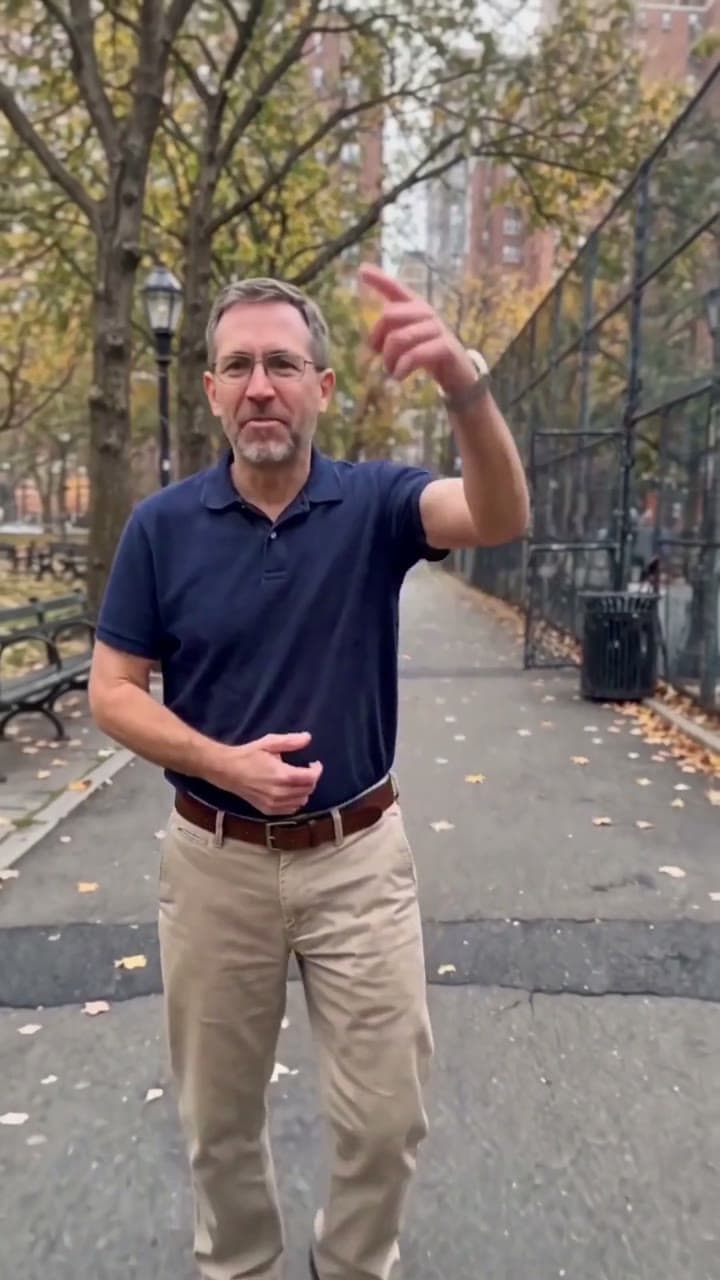
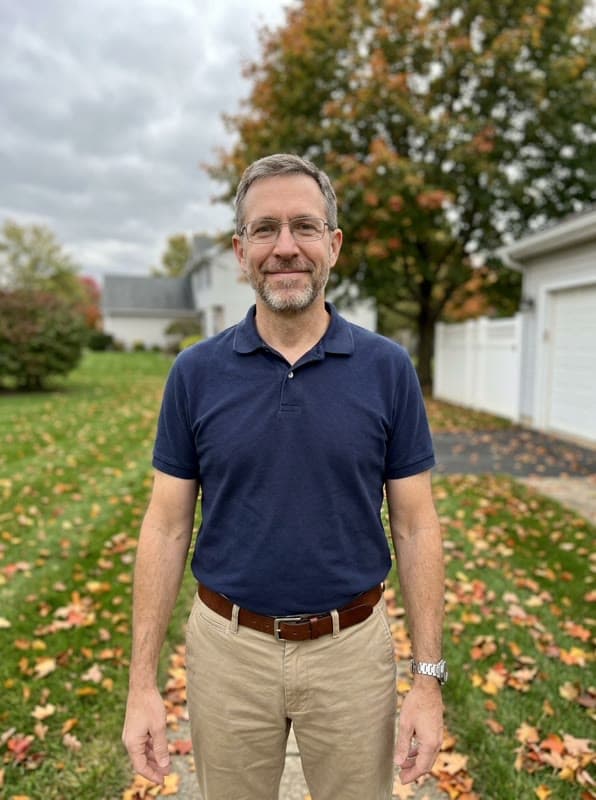
Real outputFront-yard photo → dad on the walk
Fergie Baby · 21 s
- One person, face clear and toward the camera
- Let your hair show; the walk keeps it
- A waist-up photo works perfectly
By uploading, you confirm you're the person in the photo or have their permission to use it.
We're opening in small batches. Save your photo now — we email you when it opens.
- ✓ One-time payment
- ✓ 9:16 HD MP4 · no watermark
- ✓ Failed videos return the credit
- ✓ Photos deleted after 30 days
What happens in 21 s
The moves people know, in order and on the beat. Only the star changes.
01 · 0:00
The gate
Hand on the chain-link gate, about to step out.
02 · 0:02
Step out
The gate swings and you walk out like you own the park.
03 · 0:04
Hands up
Both hands by your head, bouncing as the camera backs away.
04 · 0:09
The bars
Rapping straight down the lens, every word on beat.
05 · 0:13
Arms up
Both arms over your head under the trees.
06 · 0:16
Point & stroll
Arm out, pointing past the camera, still walking.
Real results
One photo in, the 21 s video out. Straight from the studio, no edits after.
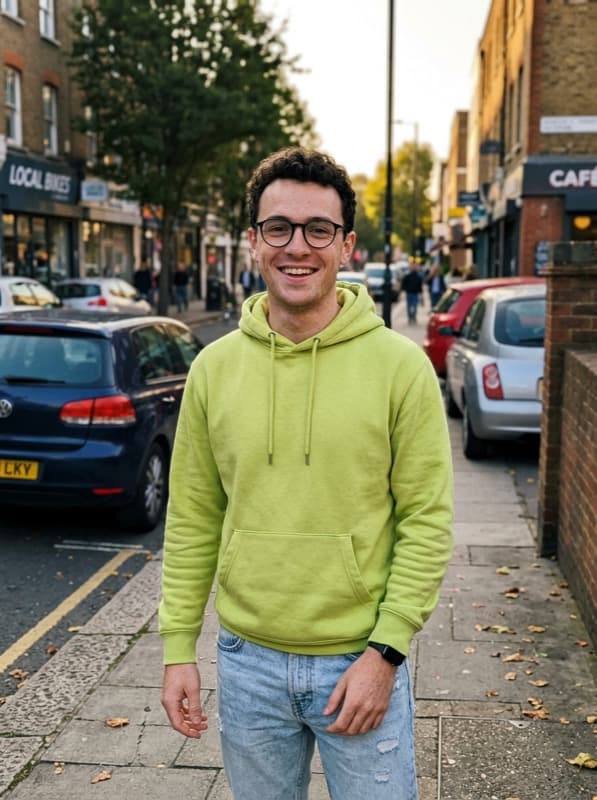
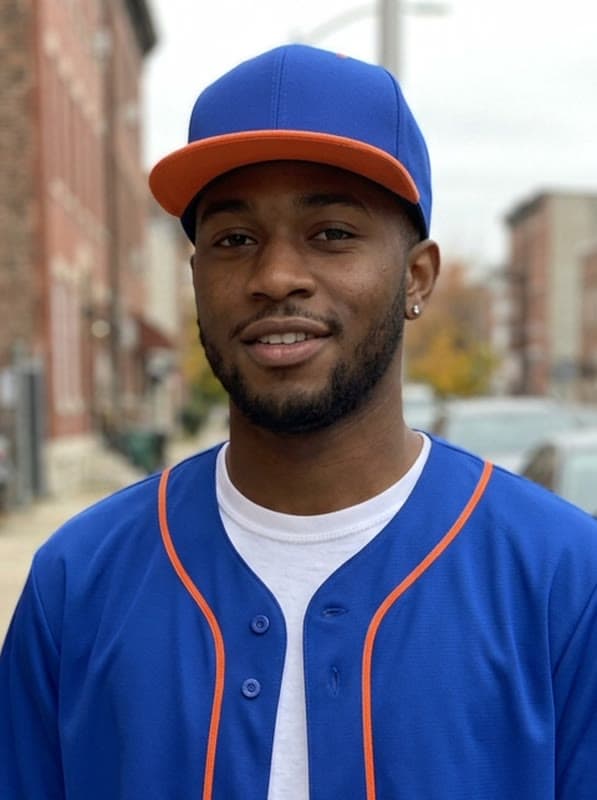
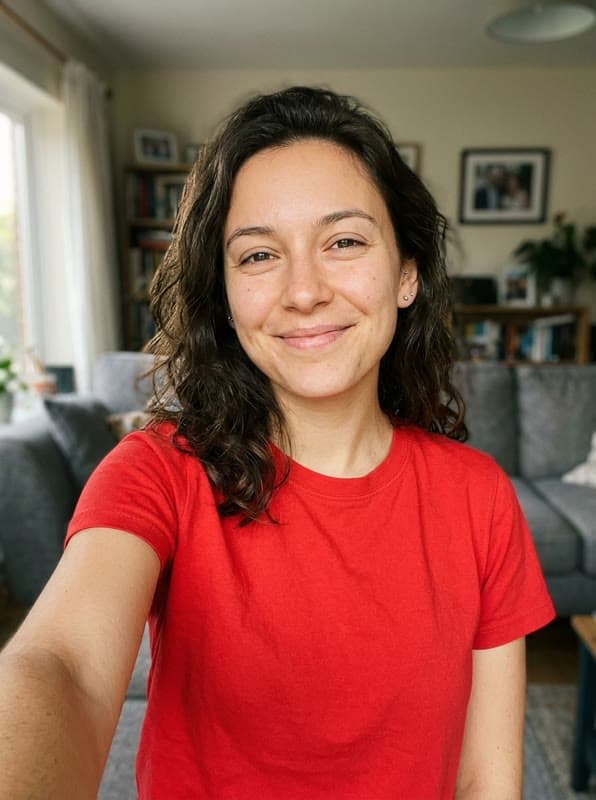
Sample input photos are AI-generated stand-ins, not customer photos. The videos are unedited output.
Who should you cast?
The trend · Oct 2026 · TikTok
What is the Fergie Baby AI trend?
A TikTok format from October 2026: someone pushes open a chain-link park gate and walks down a path lined with yellow autumn trees, rapping every bar of a 20-second trend sound at a camera that keeps backing away.
Here anyone can take that walk, from dads in polos to friends in jerseys, and the mouth moves on every word, so it lip-syncs the moment you add the sound.
How to make it
Add the Fergie Baby sound
- 1
Add one photo
Upload a clear photo of one person above: one person, face clear and toward the camera. No account needed.
- 2
Pay once
Pick a pack and check out. Usually ready in about 10–20 minutes, always within the hour; we email you the link.
- 3
Download
Save the 21 s · vertical 9:16 · silent MP4.
- 4
Add the sound and post
Tap Add sound, search "Fergie Baby" and choose the 20-second original most posts use. It matches the clip's length, so start both on the first frame. Using the full song instead? Move its start to 0:04.
Credits that work on every effect
Buy once, no subscription. Most videos take 10 credits (Hotel Lobby and Tiny Desk: 20). Credits stay valid for 2 years, and if a video fails its credits come straight back.
- One-time payment · No subscription
- Credits work on every effect · credits stay valid for 2 years
- Failed generations automatically return your credits
- No watermark
Fergie Baby AI: questions
What is the Fergie Baby AI video?
The October 2026 trend where someone walks out of a park gate and raps toward the camera along a tree-lined path. Upload one photo and that person does the entire 21-second walk.
Does the mouth follow the song?
Yes. The mouth moves on every word, so it lip-syncs as soon as you add the sound. The file itself has no audio.
Why is it 21 seconds?
That's the length of the trend sound, so the video and the audio start and finish together.
Which photos work best?
A clear photo of one person looking at the camera, in even light. Waist-up or full-length shots carry the outfit through; a selfie is fine. Skip group shots, sunglasses, masks and beauty filters.
How long does a video take?
Usually ready in about 10–20 minutes, always within the hour. You don't have to wait on the page: we email the link as soon as it's done.
Is it free? What does it cost?
There's no free tier. Most videos take 10 credits (Hotel Lobby and Tiny Desk take 20): one video is $9.99, 30 credits are $19.99 and 100 are $49.99. You pay once — no subscription. Credits work on every effect, last 2 years from your latest purchase, and a video that fails gives its credits back automatically.
Does the video come with the song?
No. You get a silent HD MP4 with no watermark, so you can add the trend sound inside TikTok or Reels and nothing gets muted for copyright. Each effect page tells you which sound to search for and where its beat lands.
What if my video doesn't look right?
Press "Needs work" on the result page and say what's wrong. A person on our team reads it and answers by email. If a video can't be made at all, its credits are returned without you asking.
Can I make a video of someone else?
Yes, with their OK. Surprising a friend is half the fun, but never use a stranger's or a celebrity's photo, and never pass the video off as real footage.
Do I need to dance or film anything?
No. You never film, learn a move or edit. Upload one clear photo of each person and you get the whole trend back with them in it, move for move.
How is this different from a CapCut template?
A template still needs footage of the people doing the trend; you film the clips and drop them in. Here you only upload a photo, and the finished video comes back with them performing it. Templates are free; a video here is $9.99 one-time.
Is it safe? What happens to my photo?
Your photo is used for one thing: making your video. It is never used to identify anyone, never sold and never used to train models. Uploads and finished videos are deleted automatically after 30 days, or sooner if you email support. Payment runs through a secure checkout, so your card never touches our servers. One video needs no account; credits you keep for later live in a password-free account (an emailed code or Google).
Can I use a photo of a child?
No. Photos of anyone under 18 are not allowed. Use a photo of yourself or of an adult who agreed to it.
Can I post it on TikTok, Instagram Reels or YouTube Shorts?
Yes. The video is yours to post on personal and social accounts, as long as you have the rights to the photo and the person in it agreed. Mark it as AI-generated and don't present it as real. Brand and business accounts should use licensed audio, such as TikTok's Commercial Music Library.
Try another effect
All effects →- 9 s10 credits
Check One Check Two
Shove up to the lens on a busy night street and spit the grime mic check.
Use effect → - Duo16 s20 credits
Hotel Lobby
Two of you in the orange booth: one raps at the hanging mic, one hypes.
Use effect → - New8 s10 credits
Basketball Middle Finger
Drive the lane, flip off the court mid-air, sink it and walk away.
Use effect → - 9 s10 credits
Bby Wow Guy
Side-step through the quince, bite the pan dulce, stare into the camera, dance off.
Use effect →